Licensed Animal Lookup
Instant. Secure. Mobile-Ready.
Fast animal license lookups for shelter staff, animal control, and law enforcement.
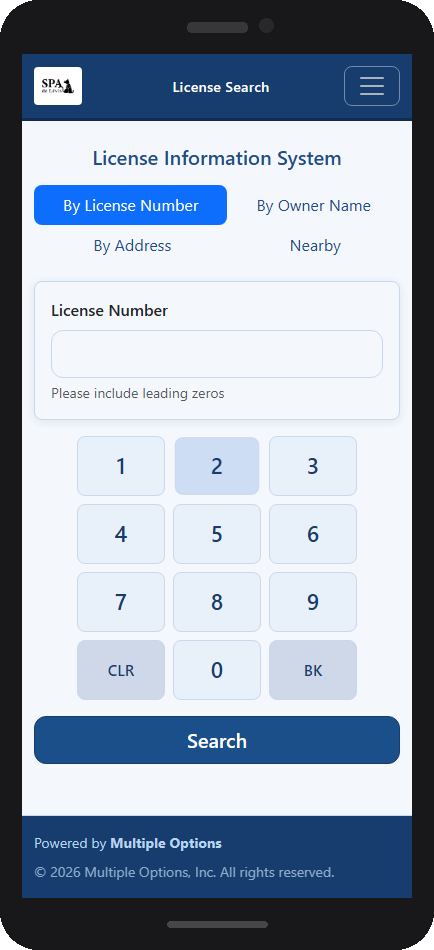
License lookup on any smartphone — open a browser, log in, and search
Instant. Secure. Mobile-Ready.
Fast animal license lookups for shelter staff, animal control, and law enforcement.
License lookup on any smartphone — open a browser, log in, and search
Licensed Animal Lookup is a secure, browser-based staff portal that gives shelter staff, animal control officers, and law enforcement instant access to animal license records — from any device, including phones and tablets.
There is nothing to install. Staff open a browser, log in, and start searching immediately. Results include the animal's photo, owner contact details, and license expiry status — all pulled in real time from your existing MOASMS database.
Access is fully protected. Every user must log in with a username and password before any search is permitted. Credentials are stored as PBKDF2 cryptographic hashes — the actual passwords are never stored anywhere.
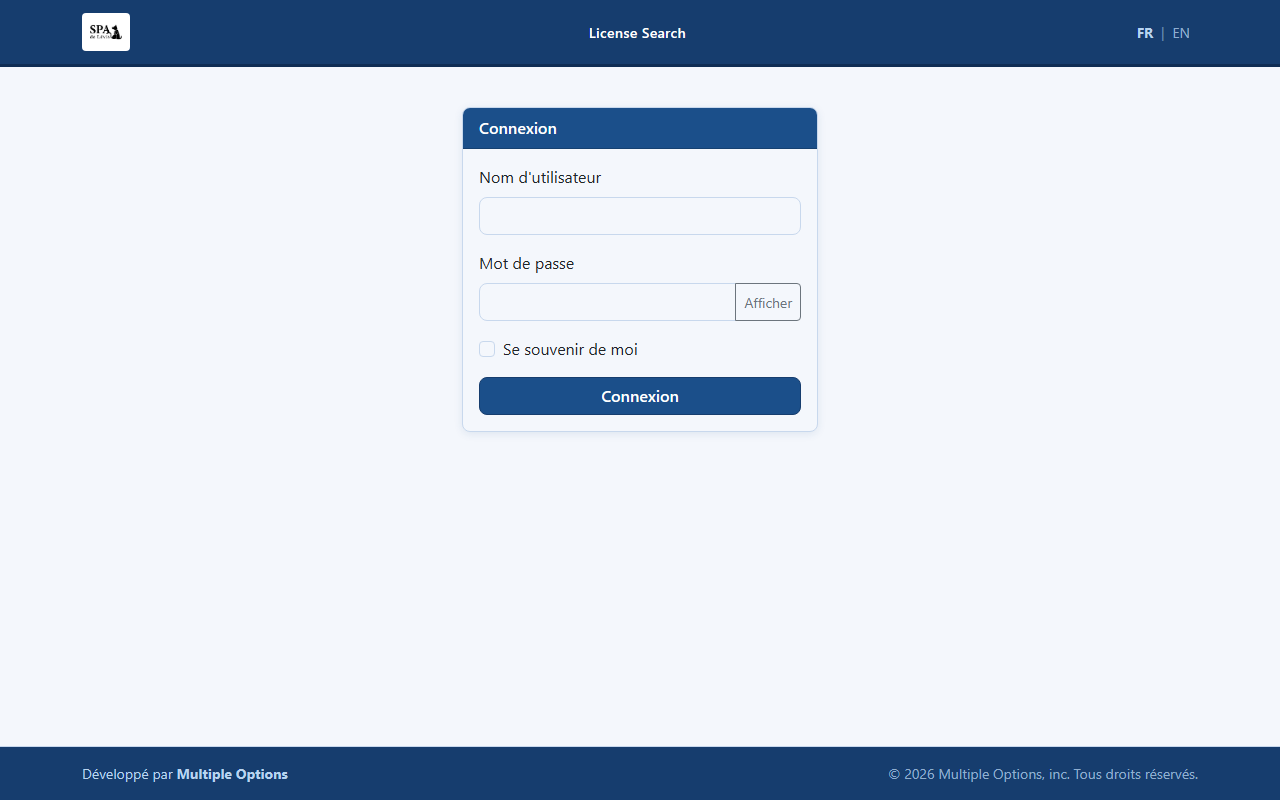
Secure login page — any device
The search page offers four independently accessible modes via simple tab navigation — each optimized for a different field scenario:
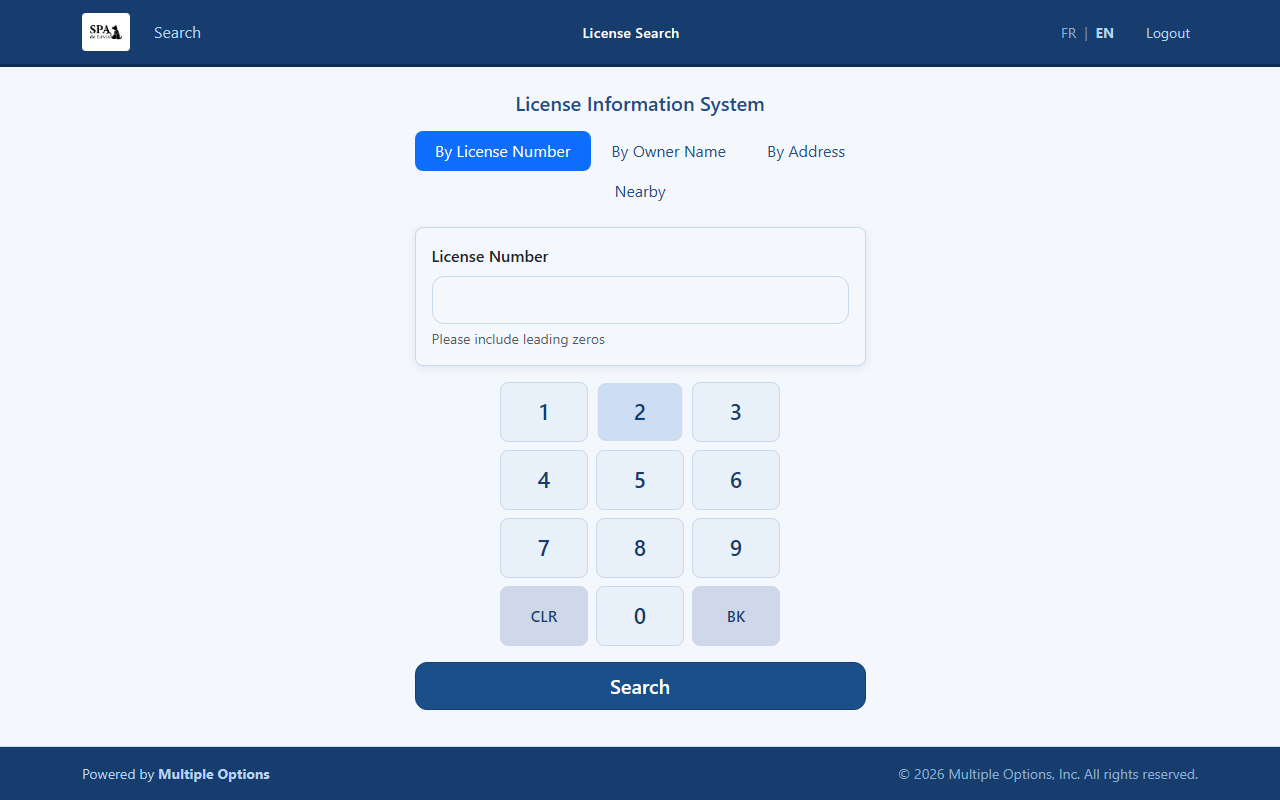
License number tab — custom keypad, no native keyboard
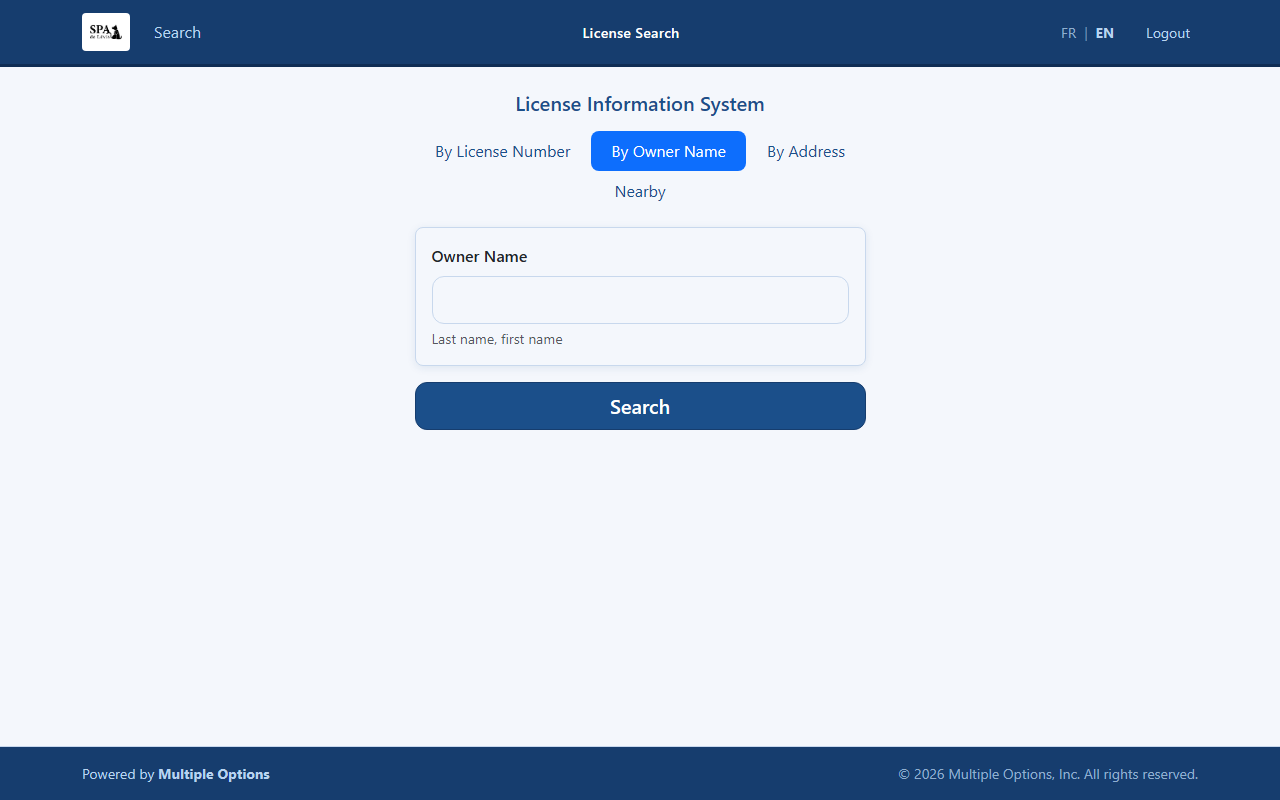
Owner name tab — partial match by last name
The license number tab features a purpose-built on-screen keypad. The device's native keyboard never appears — ideal for wall tablets at reception desks, gloved field officers, and kiosk-style deployments.
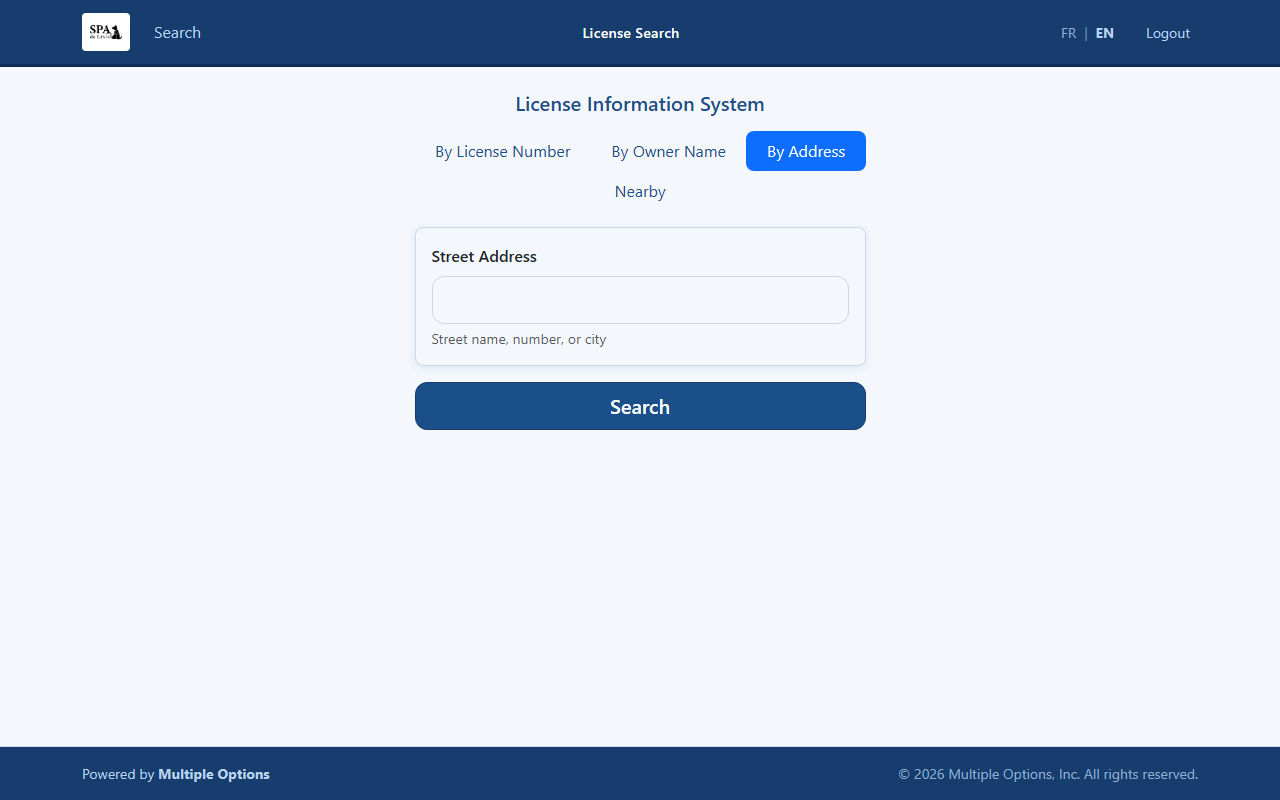
Address tab — street name, number, or city
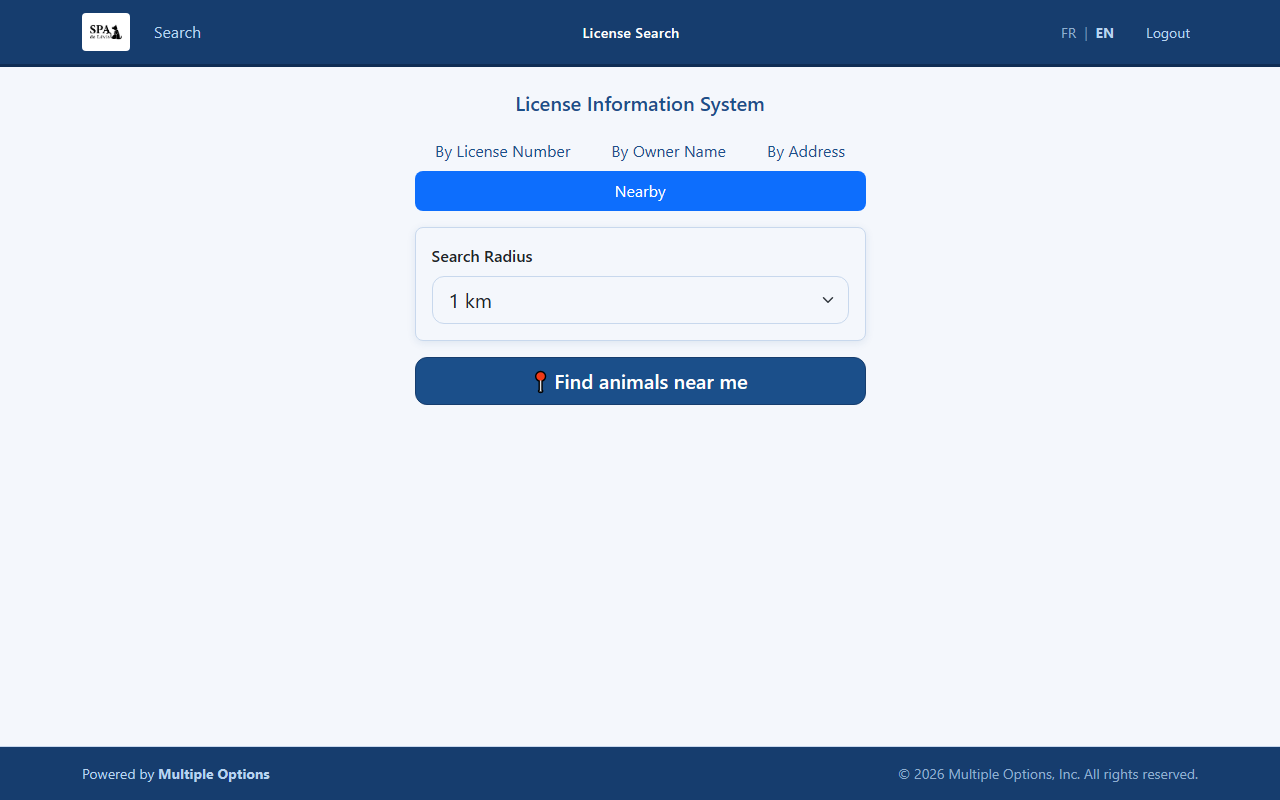
Nearby tab — GPS radius selector
All search modes return results in a clean, interactive table. The result count is shown at a glance, and a live filter box lets staff narrow down a long list instantly — no page reload required.
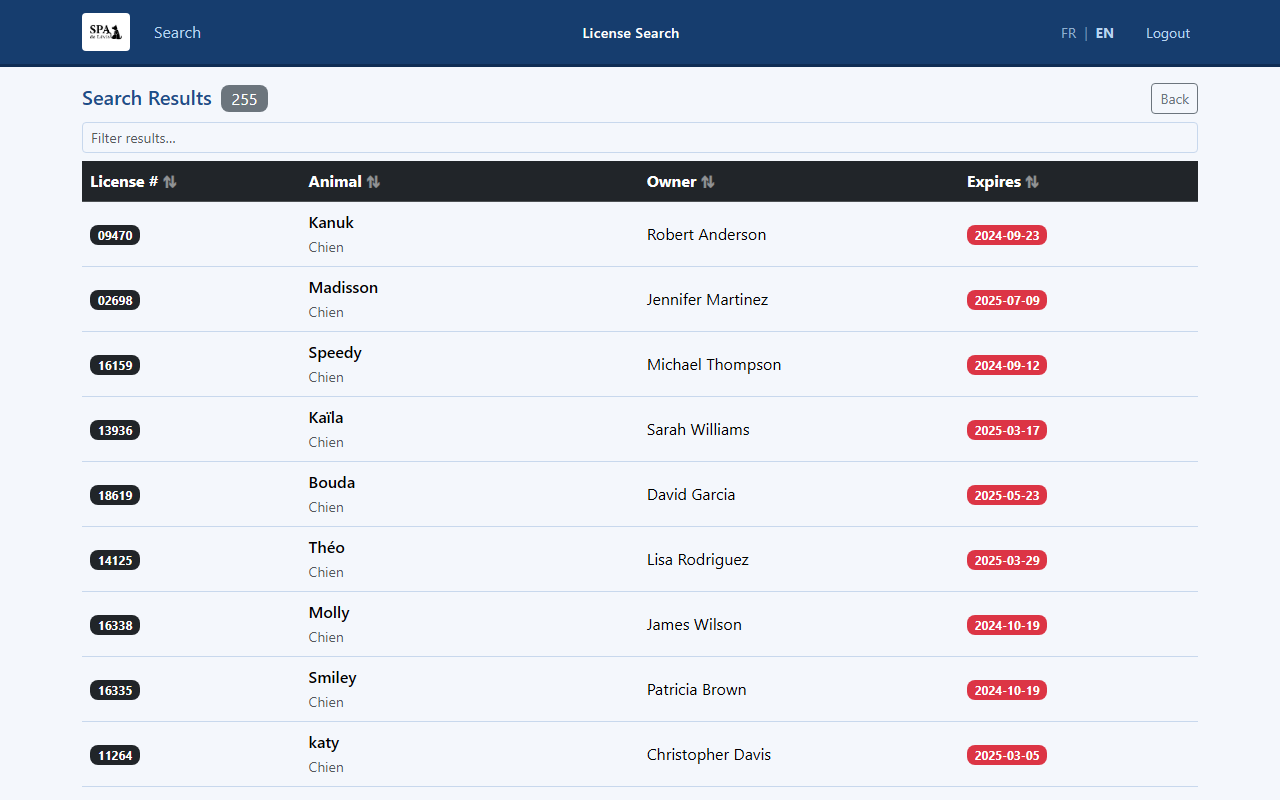
Owner name search results — sortable, filterable, one tap to open a record
The Nearby tab uses the officer's device GPS to find all licensed animals within a selected radius. Results are sorted by distance and include a distance badge on each row.
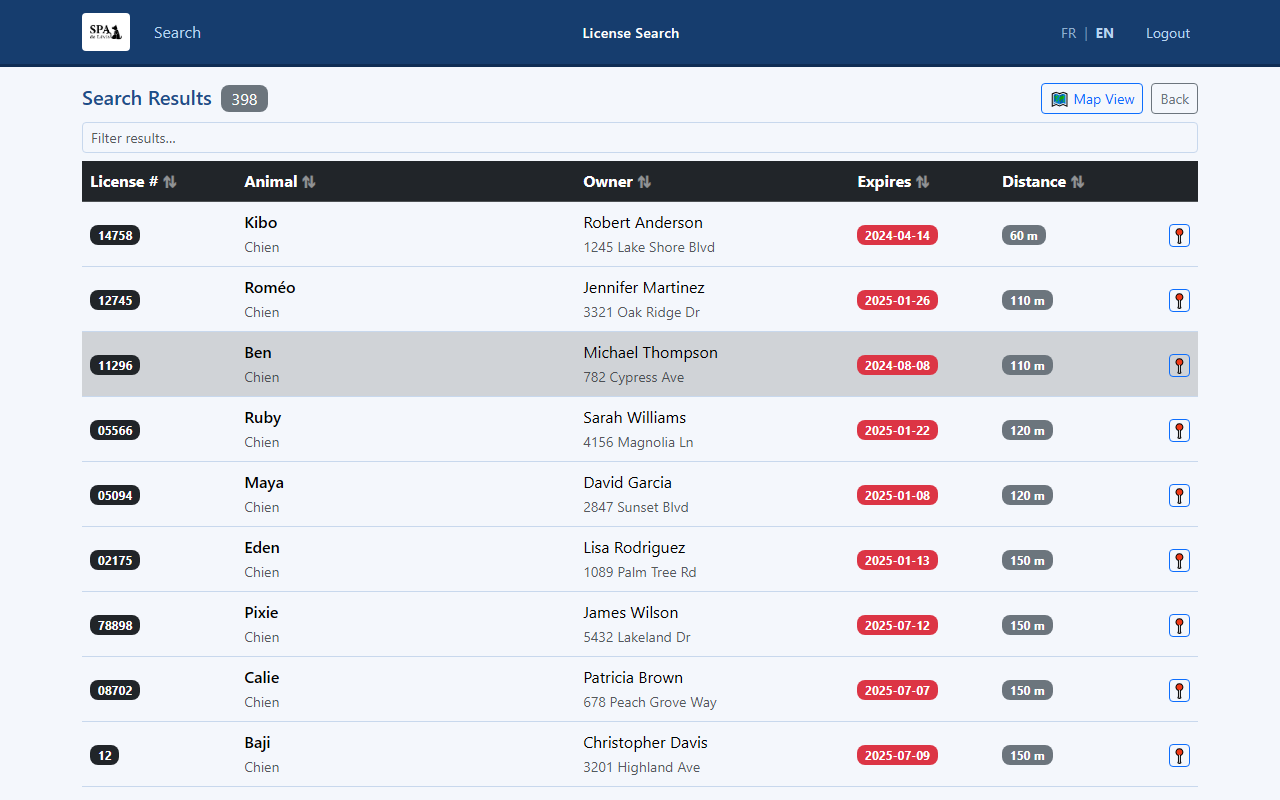
Nearby results — licensed animals sorted by distance from officer's location
One tap on the Map View button switches the nearby results from a list to an interactive Google Map. A blue dot marks the officer's position; red pins show every nearby licensed animal. Tap any pin to see the animal's name, licence number, owner, street, and distance — with a direct link to the full detail card.
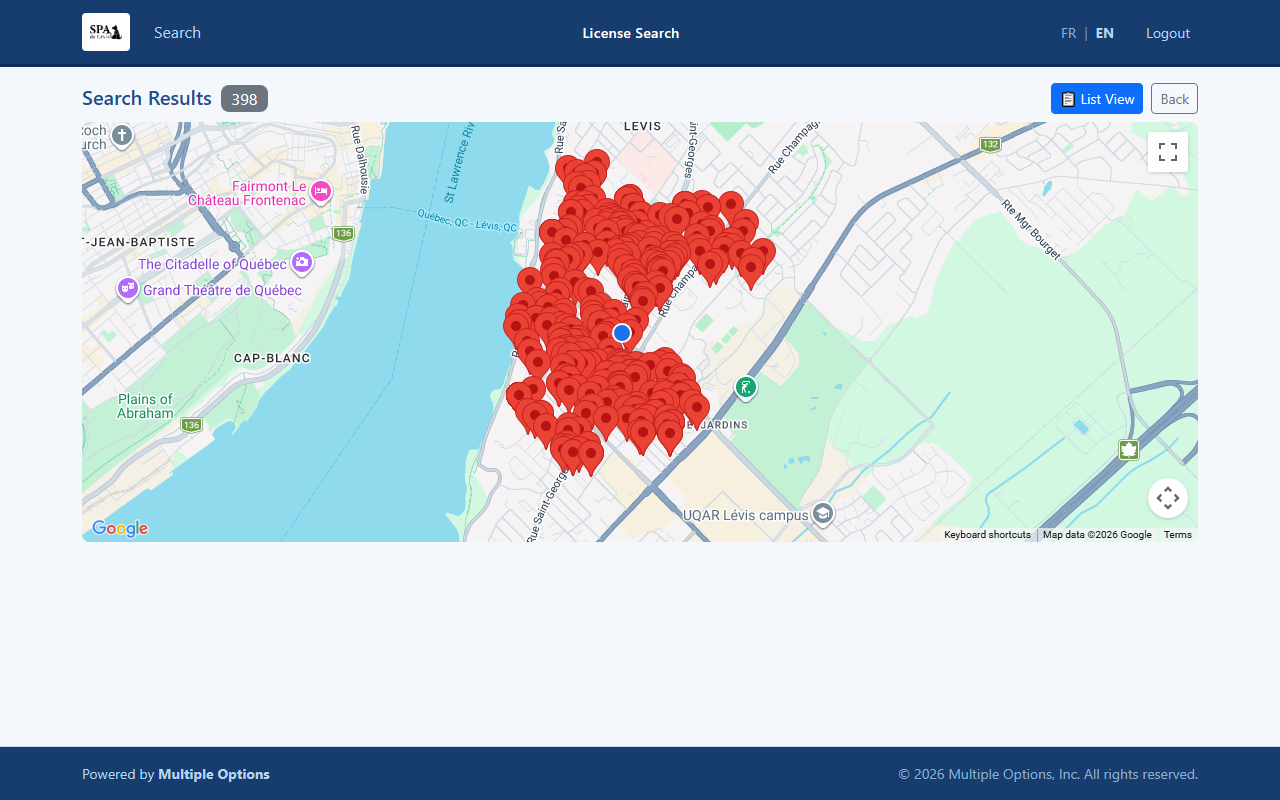
Nearby map view — officer position (blue dot) and animal pins, auto-fitted
The detail card puts everything an officer needs on one screen:
| Animal Photo | Displays the photo stored in MOASMS, or a placeholder if none is on file |
| Licence Number | Prominent badge with the official licence / tag number |
| Animal Profile | Breed, sex, colour, and age calculated from date of birth |
| Owner Information | Full name, email address, and mailing address |
| Phone — Tap to Call | Phone number rendered as a tap-to-call link; one tap dials on mobile |
| View on Map | Opens a dedicated map page with the owner's address and a Get Directions button |
| Expiry Status | Green = active licence · Red = expired or past-due |
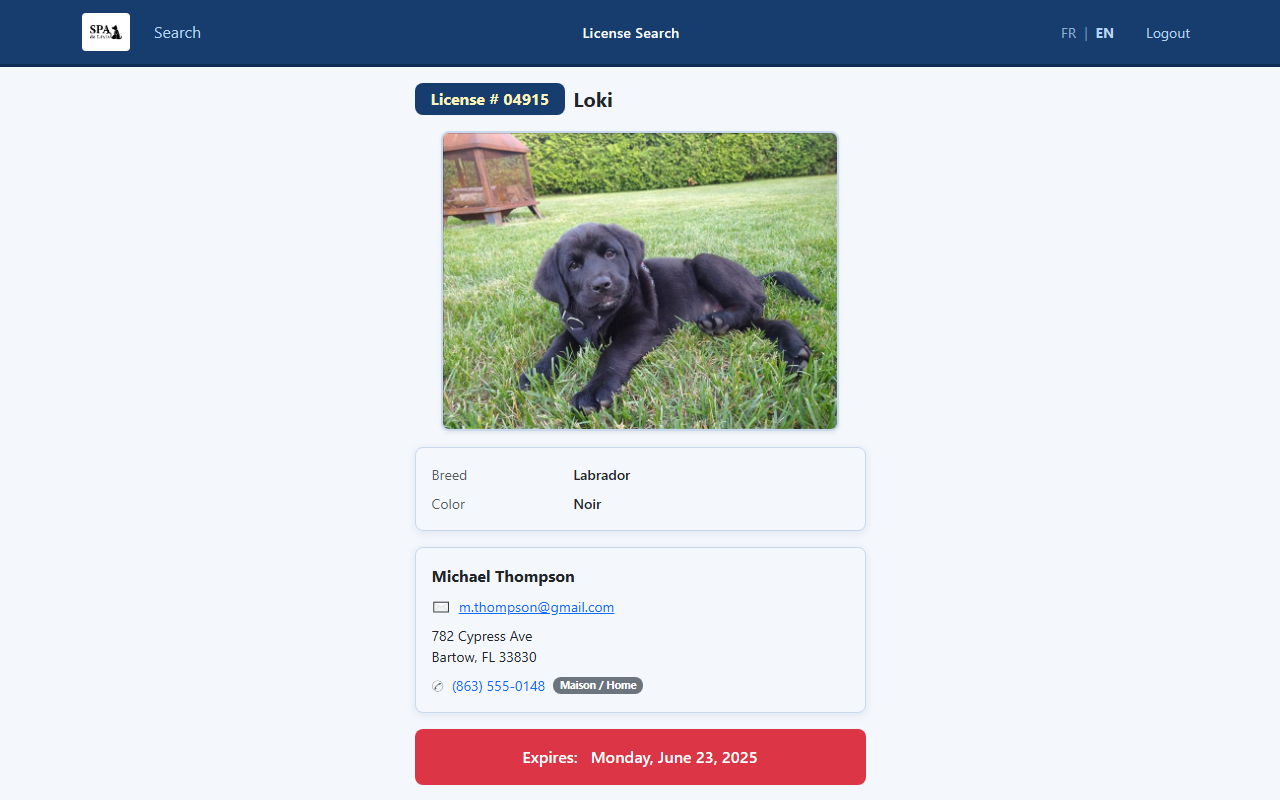
Licence detail card — animal photo, owner contact, expiry status
Licensed Animal Lookup is designed mobile-first. Field officers open it in any smartphone browser — no app to download, no software to install. The interface adapts perfectly to phone screens, with large tap targets and a custom numeric keypad that keeps the device keyboard from popping up in the way.
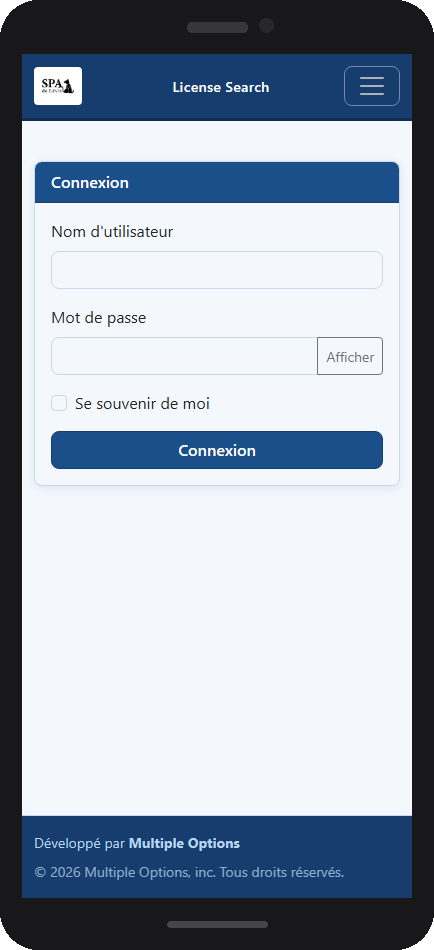
Secure login on iPhone
Search screen on iPhone
While field officers rely on it from their phones, Licensed Animal Lookup works just as beautifully on a desktop or laptop browser. Reception staff, dispatchers, and administrators get the same instant lookups — with the added comfort of a full-size screen, mouse navigation, and keyboard shortcuts.
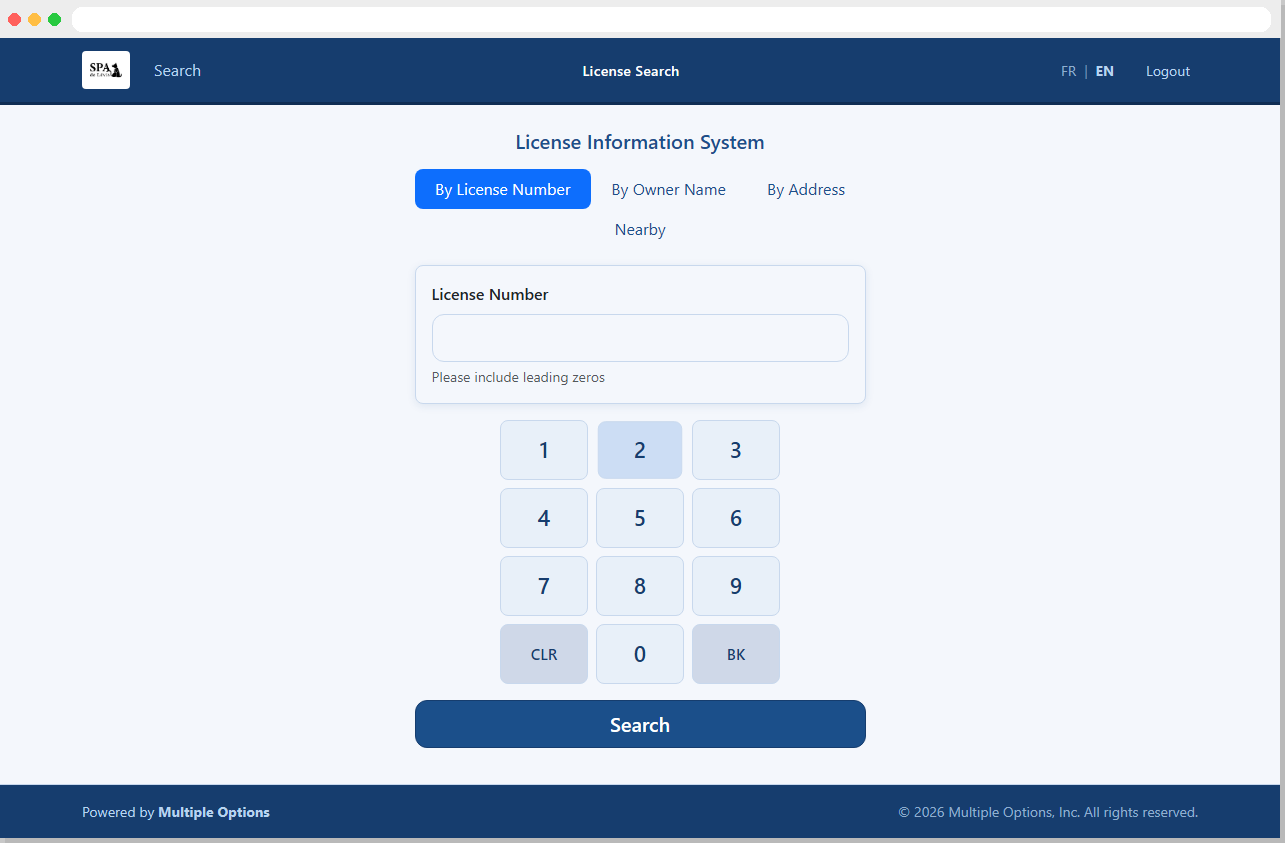
License search — desktop browser view
Every label, button, error message, and page title is available in both English and Canadian French (fr-CA). Users switch languages instantly using the FR | EN toggle in the top-right corner — no restart required, no separate URL.
Contact us today for pricing and a personalized demo.
Licensed Animal Lookup is proven, deployable, and ready for your shelter or animal control department. Our team at Multiple Options, Inc. will work with you to get you up and running quickly — typically within days of receiving your database connection details.
Whether you manage a small municipal shelter or a large county operation, Licensed Animal Lookup scales to fit your needs. Reach out now — we'd love to show you what it looks like running on your own data.

Call 401-480-6655 or email Sales@multiop.com
We'll show you Licensed Animal Lookup running on your own data — no commitment required.